
 Grades 2+
Build it, test it, make it work.
 Engineering
 Coding
 Science
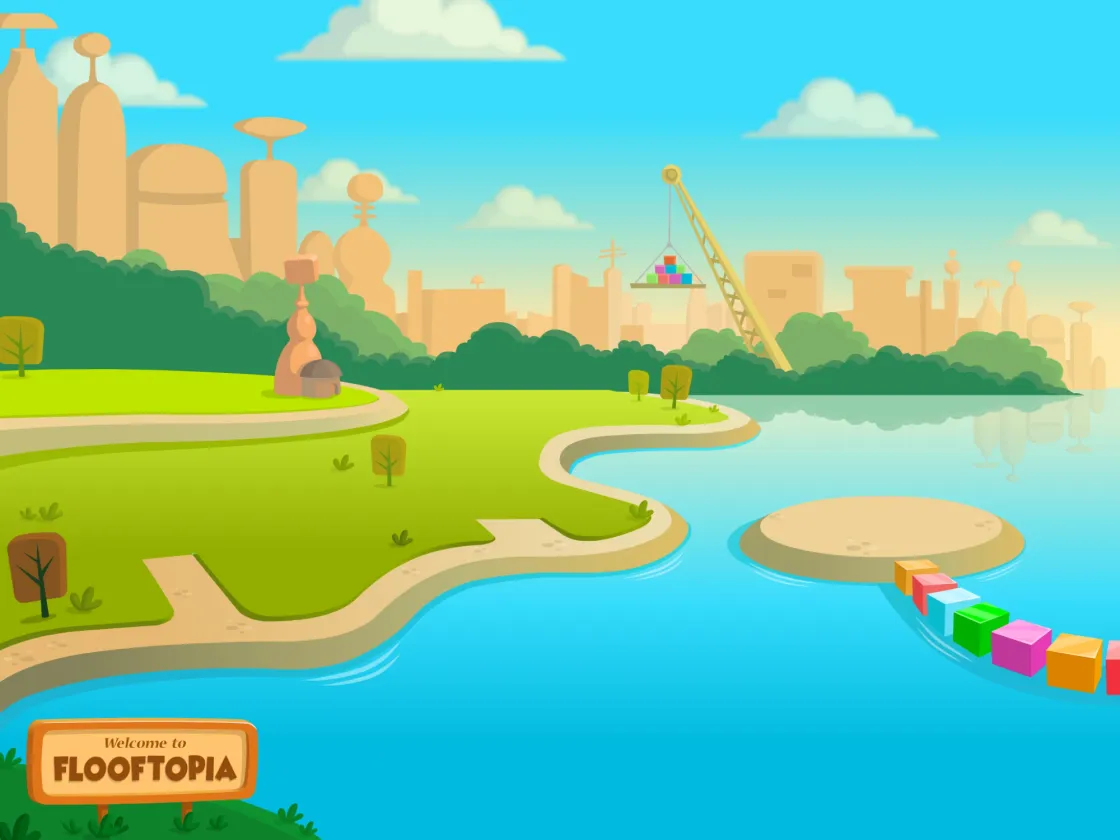
Welcome to Flooftopia, a world full of STEM games and activities for grades 2 and up. Your kids engineer chain reactions, code their own games, and model science, with Pixel there to guide them!

Engineering your kids can build and test
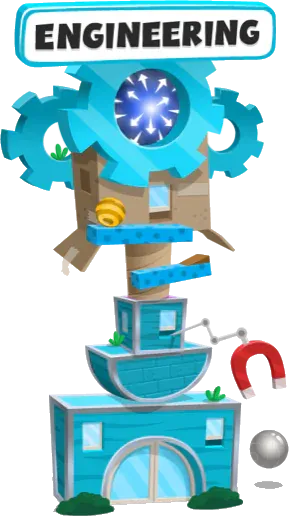
In Flooftopia's Engineering Building, your kids team up with Bruno the Floof on challenges you might remember from your own childhood! They build chain reactions, tip seesaws, and launch marbles through force fields. When something breaks, calm and patient Bruno helps them figure it out.
Some things they learn
Chain reactions
Dominoes, ramps, and marbles show how energy moves from one object to the next.
Levers
Seesaws and pinned beams show how a lever and its center of mass work.
Forces
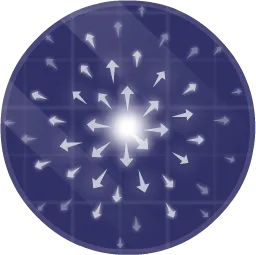
Force fields show how pushes, pulls, and gravity change the way things move.


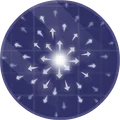
Can you knock the yellow ball into the goal? Change a value, then press Test It.







Force field

Coding your kids can change and run
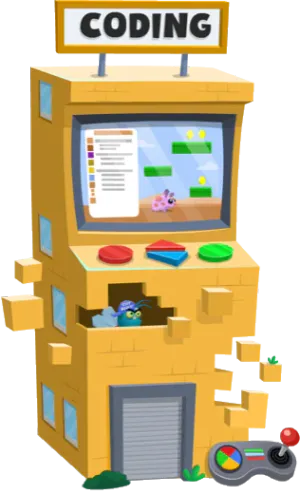
In Flooftopia's Coding Building, your kids move from drag-and-drop blocks to real, written code with Ada the Floof. They build their own games, change the code, and run it to see what happens. Ada shows them that even the biggest projects come together one small step at a time!
Some things they learn
Properties
Properties set how a character looks and moves, like its size and its speed.
Functions
Functions tell the game what to do, like jump when a key is pressed.
Loops
Loops repeat an action, so one line of code can do the work of many.
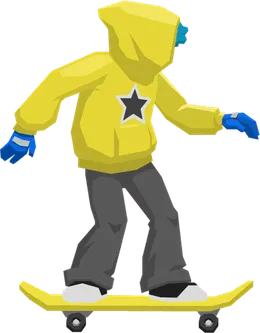
 Can you grab the star? Pick what arrowUp() does, then press Test It.
Properties


Science your kids can model
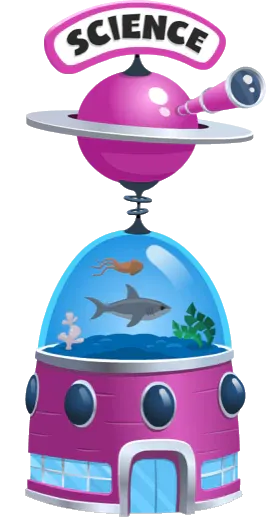
In Flooftopia's Science Building, your kids follow their curiosity with Kevin the Floof, who wanders off whenever something catches his eye. They build models of the solar system, an ocean food web, and animal habitats, then change a model to see what happens next.
Some things they learn
The solar system
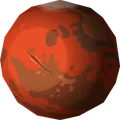
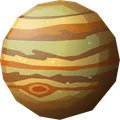
Your kids explore the planets and change what they see with code.
Food webs
An ocean of sea creatures shows who eats what, and what happens when that changes.
Habitats
Animals need the right food and conditions, and your kids make sure they have them.


Can you put the planet in orbit? Change a value, then press Test It.



Planet
How your kids learn in Kodable Creator
Every idea starts as a short lesson and ends with your kids making something of their own.
Kodable Creator fits into our K-5 curriculum, and your younger kids can start with coding and STEM for kids in Kodable Basics.
Learn one idea at a time
Guided lessons introduce each idea on its own, like a lever in engineering or a loop in code.
Take on a challenge
Challenges ask your kids to use what they learned to get a machine or a game working.
Build something of their own
Your kids design their own machines and games, with Pixel there to guide them.
Share it in the Arcade
Finished games go to the Arcade, where classmates can play them and rate their favorites.
Meet Pixel, your kids' guide
Pixel is Kodable Creator's cheerful guide and the biggest fan of everything your kids make. He introduces each new idea, sets the mission, and cheers them on when they get it working!
A guide for every lesson
Pixel explains each new idea and the mission that goes with it.
More independence
Kids work through lessons at their own pace, which frees you up to help someone else.
Made for kids
Kodable has no ads, no in-app purchases, and no third-party tracking, and we are COPPA compliant.
Today we're going to learn about forces and energy transfer by building a chain reaction with Dominoes.
Games made to be played
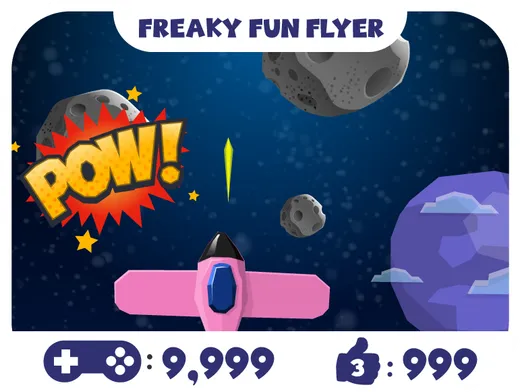
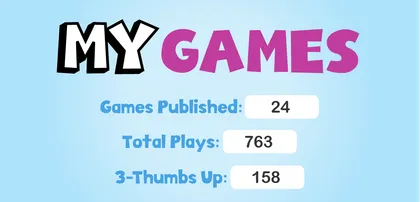
Every game your kids finish can be shared with classmates, family, and the Kodable community in Flooftopia's Arcade. They play each other's games, rate their favorites, and come back with ideas for the next one!
"Being able to move from the block-coding style to more authentic written code was a wonderful jump for students who had some experience with Kodable Basics."
I'm Sassy. I've played every game in the Arcade, and your classmates' are pretty good.
The Floofs are waiting
Ready to start building?
Bring your kids to Flooftopia, where they engineer, code, and model science with Pixel as their guide.