The coding app used in over 50% of U.S. elementary schools, now at home. Join 40 million kids who learn to code through games they'll actually ask to play, starting with their first maze in minutes.

Three steps your child will repeat hundreds of times, never noticing they're learning to code.

Kodable Basics is coding for kids ages 4-10. Your child will learn to code, and along the way they'll learn how to think. Logic, problem-solving, and sticking with a tricky puzzle are skills that last a lifetime, and kids who understand how code works grow up knowing how to tell AI what to do.
Every maze is a little logic puzzle. Your child learns to break a problem into steps, spot patterns, and try again when the first plan doesn't work.
Kodable Basics uses pictures instead of words, so kids as young as 4 can drag and drop their first commands. No reading, no keyboard, no experience required.
No ads, ever. Aligned to CSTA and ISTE standards, with Google Classroom and Clever rostering for teachers, and digital citizenship lessons built right in.
Skills kids build along the way
 Sequencing
 Conditionals
 Loops
Loops Functions
 Debugging
Each planet teaches a new coding concept. Tap a planet to see what your child will learn there.
Kids start by putting steps in order to guide their fuzz along a path. It's the first idea behind every program, and the foundation for everything that follows.
Perfect for: Kindergarten & 1st Grade
Kids learn to write code that makes decisions: if this, then that. It's the same thinking behind every app and game they'll ever use.
Perfect for: 1st & 2nd Grade
Kids learn to repeat steps with loops. Instead of dragging "forward" five times, they tell their fuzz to go forward five times, and see how much shorter their code gets.
Perfect for: 2nd & 3rd Grade
Kids give things names and values, then make choices with true and false. This is how code keeps score, remembers, and compares.
Perfect for: 3rd & 4th Grade
Kids name a set of steps once and reuse it anywhere. This is where coding gets creative, as they build small tools and combine them into bigger ones.
Perfect for: 4th & 5th Grade
Free for 7 days, no reading required, cancel anytime.
Between lessons, kids unlock the fun stuff, the parts they'll ask to play again on the weekend.
Kids write code to build their own fuzz, choosing eyes, colors, hats, and accessories by programming each part. It's their first taste of making something that is all their own with code.

Kids build their own levels with the same commands from the courses, then challenge friends to solve them. Designing a game is a big step up from playing one.

Kids adopt a pet and program how it behaves: feed it when it's hungry, play when it's bored, sleep when it's tired. Their if-statements and loops come to life as a pet that takes care of itself.
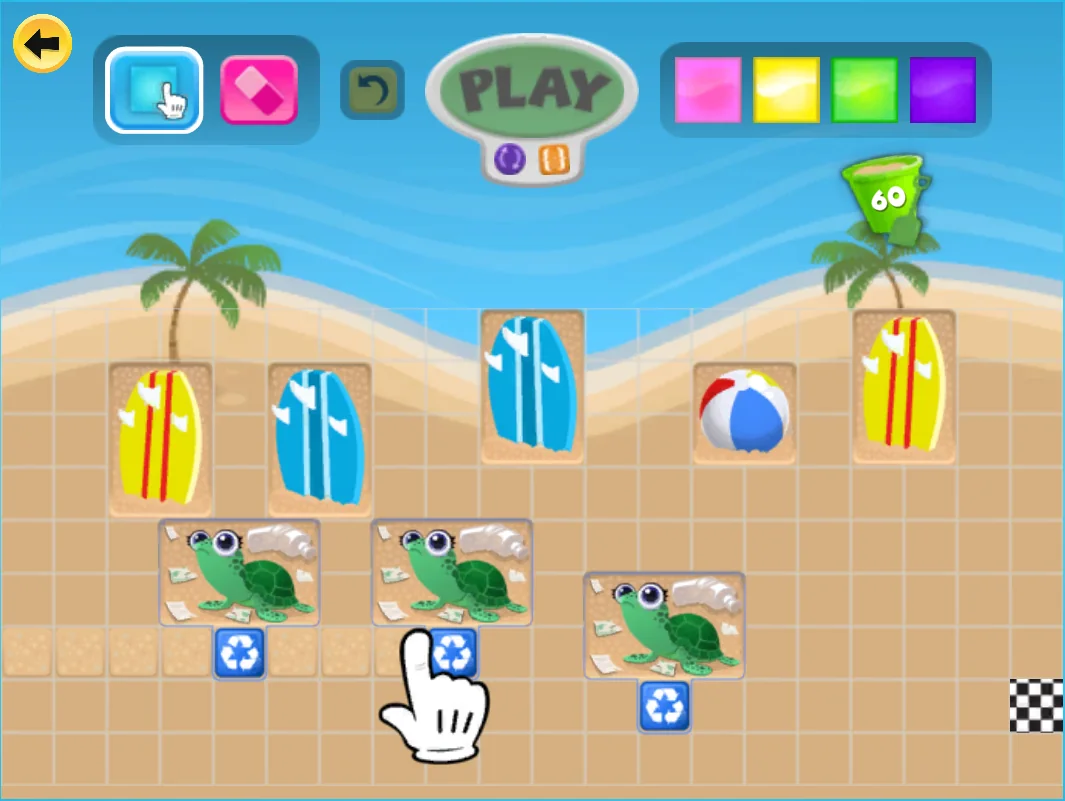
A special world where kids clean up the ocean with code. They sort trash, rescue animals, and practice the coding skills they already know while learning to care for the planet.
Kodable Basics runs on iPad, iPhone, Chromebook, and any web browser, and your child's progress syncs across all of them. The iPad app even works offline, so it's ready for road trips, flights, and waiting rooms.
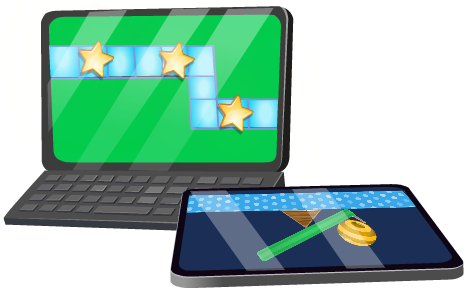
Every kid begins with a five-minute tutorial. After that, the first planet depends on their age.

Kids put picture commands in order to guide their fuzz through the maze. No reading, no typing, and lots of high fives.

Kids learn to make decisions with if-this-then-that and to repeat steps with loops, the two ideas behind every game they play.
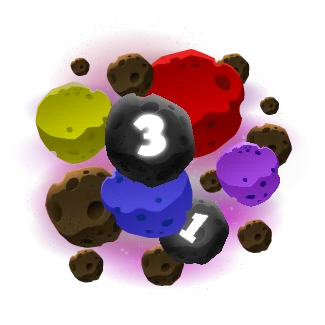
Kids work with variables and functions, then move on to Kodable Creator and real JavaScript when they're ready.
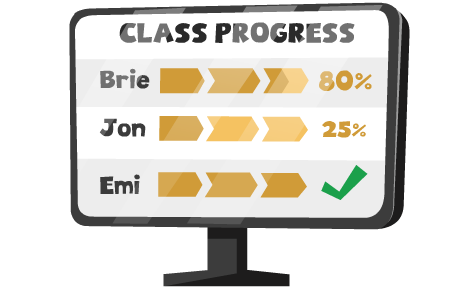
You don't need to sit beside your child to know how it's going. Open the app and you'll see which planet they're on, which concepts they've passed, and where they needed extra practice. When they finish a planet, you'll know.
It's the one app my students ask for by name. First-day-of-school silence, because everyone's in Smeeborg.
My four-year-old taught himself sequencing before he could read. Watching him explain loops to his grandma was a moment.
We've run Kodable Basics in every K-3 classroom in the district for six years. It's become infrastructure.
Straight answers from the team behind the app used in over half of U.S. elementary schools.
Five minutes from here to your child's first line of code. No reading required, and progress follows them from home to school.