
From September 28 – October 4, 2026, Kodable Typing is free for every K–5 classroom. No trial to sign up for, no paywall, and no credit card needed. Just log in to Kodable and your students can start typing.
Already have a Kodable account? Just log in — your existing classes can start typing right away.
Whether you're brand new to Kodable or already use it with your students, joining Free Typing Week is simple. Log in, get your class ready, and come type with us!
No credit card, no trial application, no waiting. Create your account, add your class, and your students can be typing today.
Your existing classes and rosters are ready to go. No trial to apply for, no upgrade to request — the paywall is simply off for the week.
Normally Kodable Typing needs a 7-day trial that you apply for. For Kodable's first annual Free Typing Week we've turned the paywall off, so the only setup is your class list and grade level.
New to Kodable? Create a free teacher account in about a minute. Already have one? Just log in — Typing is already waiting in your dashboard.
Roster with Google Classroom, Clever, or a class code. Students log in on Chromebooks, iPads, or any web browser.
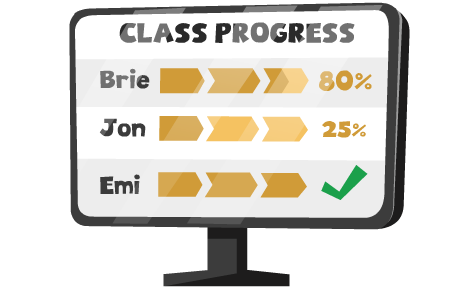
Every island, lesson, and Practice Mode game is unlocked. Watch accuracy and speed grow from your teacher dashboard.
Kodable Typing assigns islands based on each class's grade level, so make sure it's set correctly. Click the pencil next to your class name in the dashboard to change it.
Learn how to set a grade level →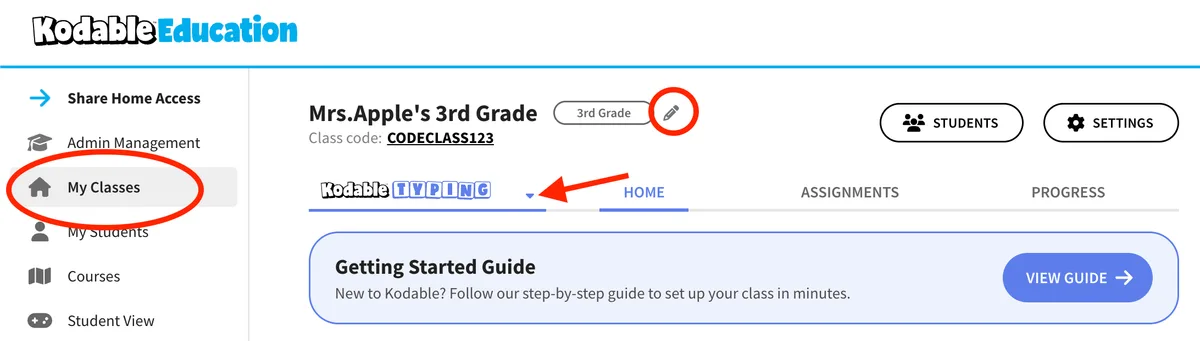
Kodable Typing grows with students from kindergarten through fifth grade. Every grade gets its own age-appropriate islands, and content never repeats, so students come back each year to new adventures with the Fuzzes and the Floofs.
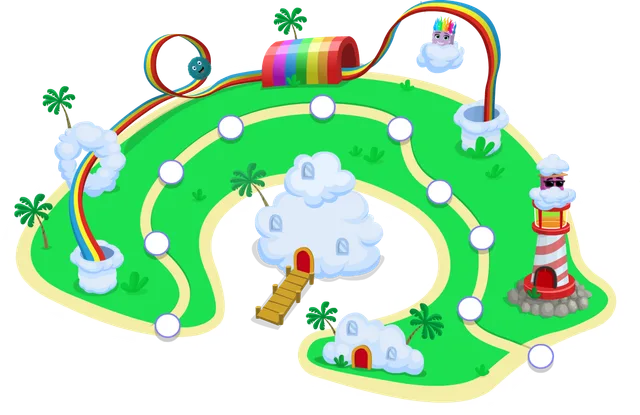
Every letter key in alphabetical order plus the space bar, finishing with two-letter words.
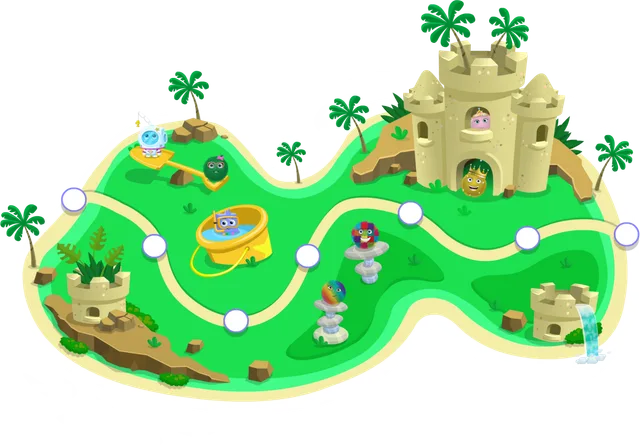
The full keyboard by finger position, starting at the home row, then simple sentences with basic punctuation.
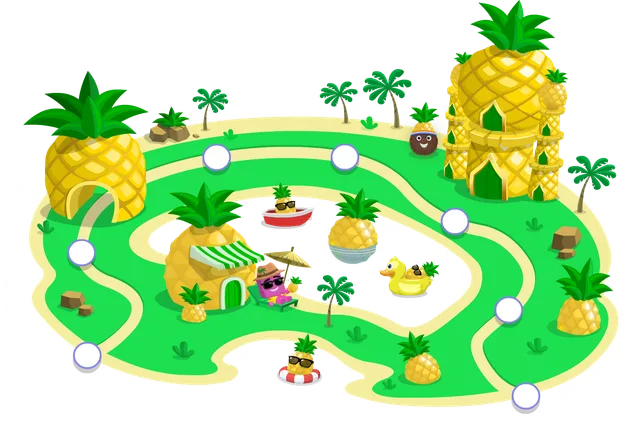
Home row outward, then capital letters, numbers, and symbols on the way to full sentences and short paragraphs.
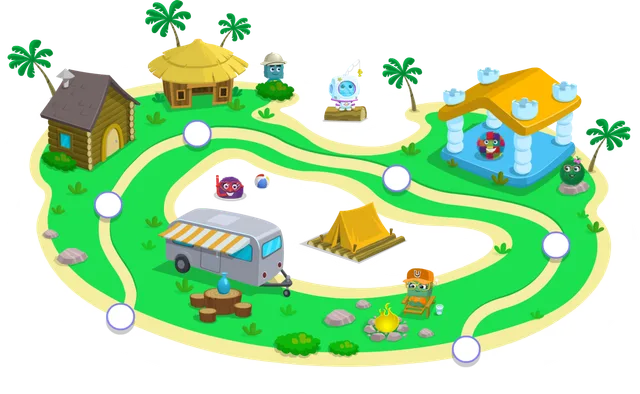
Punctuation, numbers, and symbols practice while building speed with sentences and paragraphs.
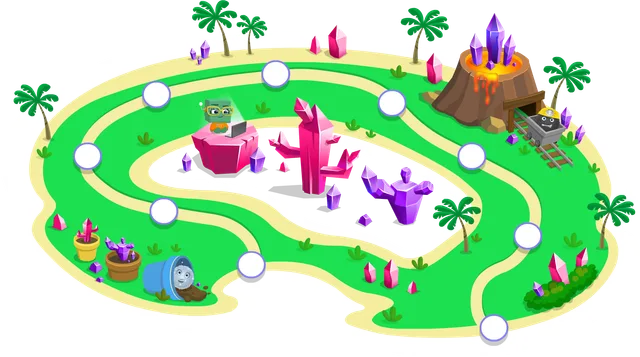
Numbers, symbols, and punctuation, then sentences and paragraphs at three difficulty levels.
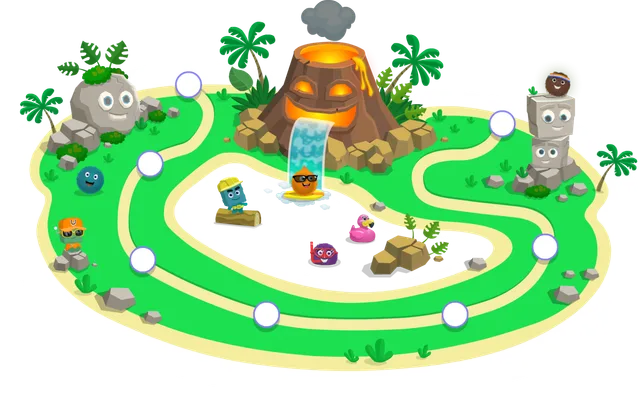
Speed and accuracy with paragraphs, then real-world typing: to-do lists, emails, math problems, and more.
Each island is self-guided and gives students plenty of practice to master a concept before moving to the next one.
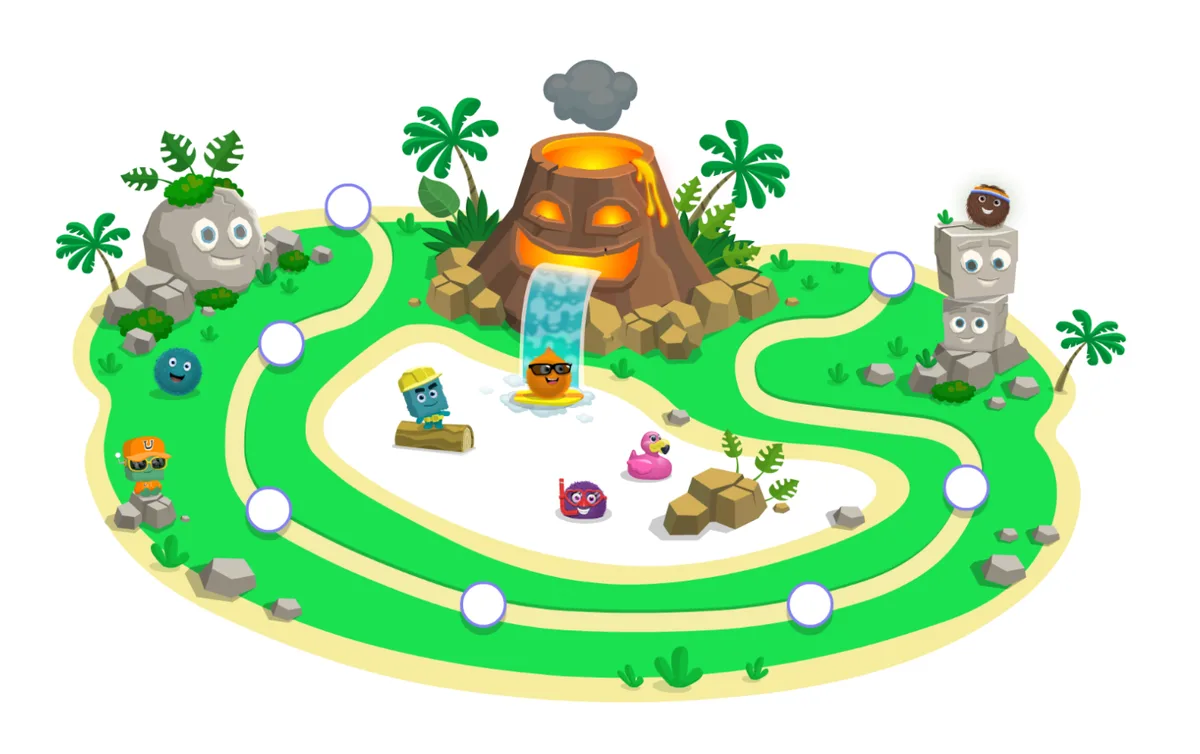
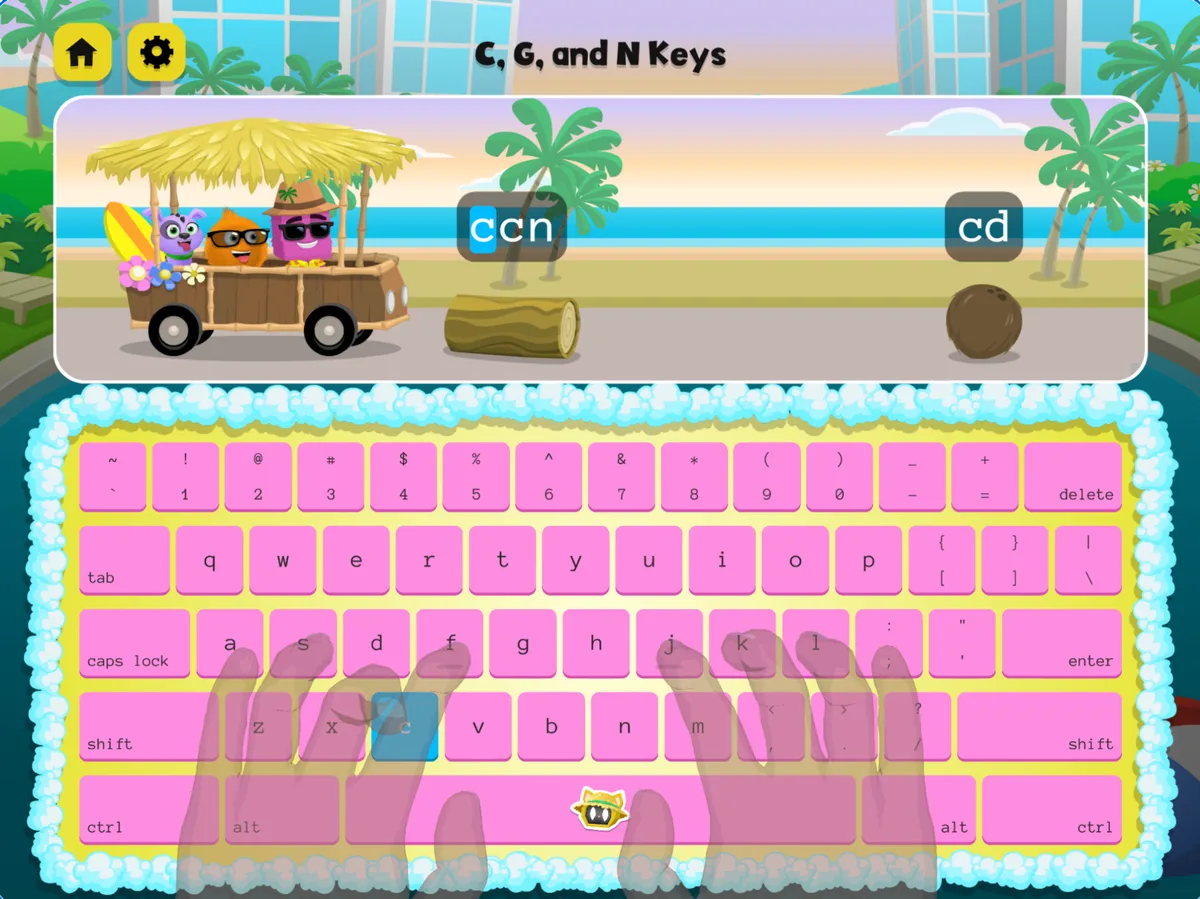
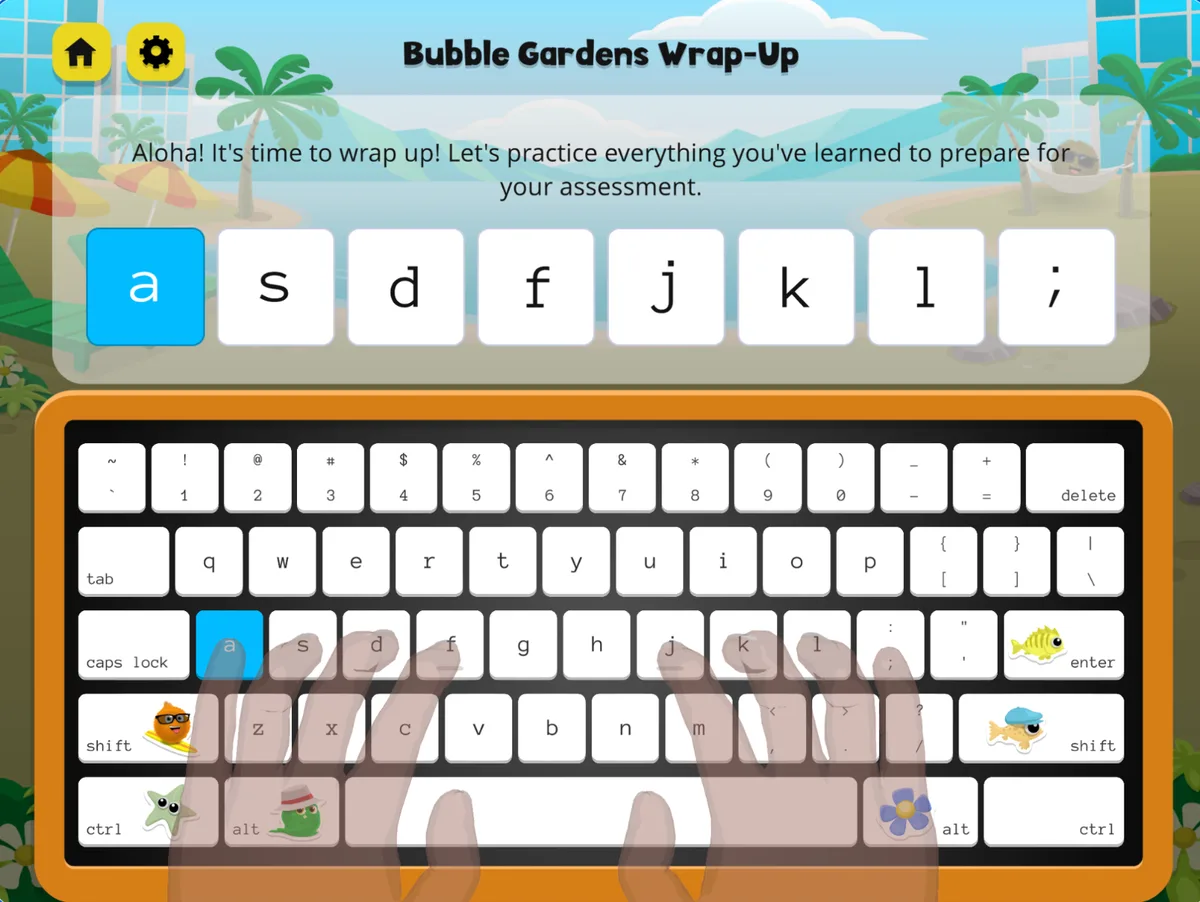
Four quick things that make the week smoother, straight from the Kodable team.
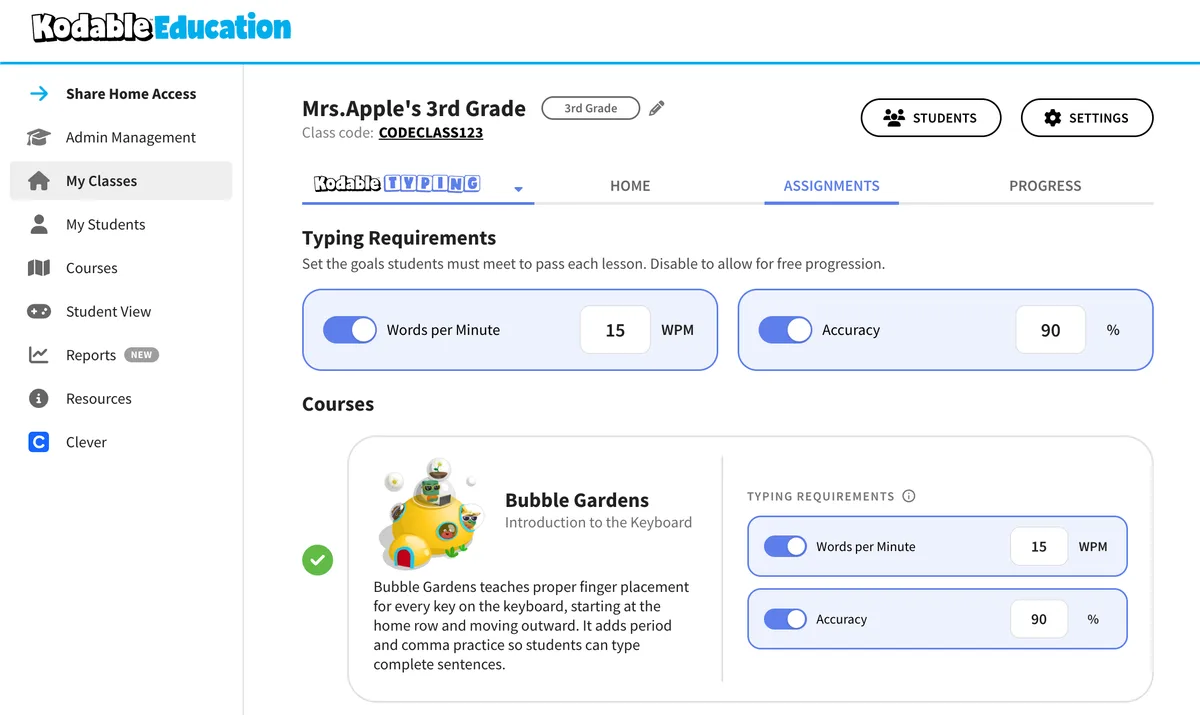
Click on your class and select the Assignments tab to adjust words-per-minute and accuracy goals that work best for your students.
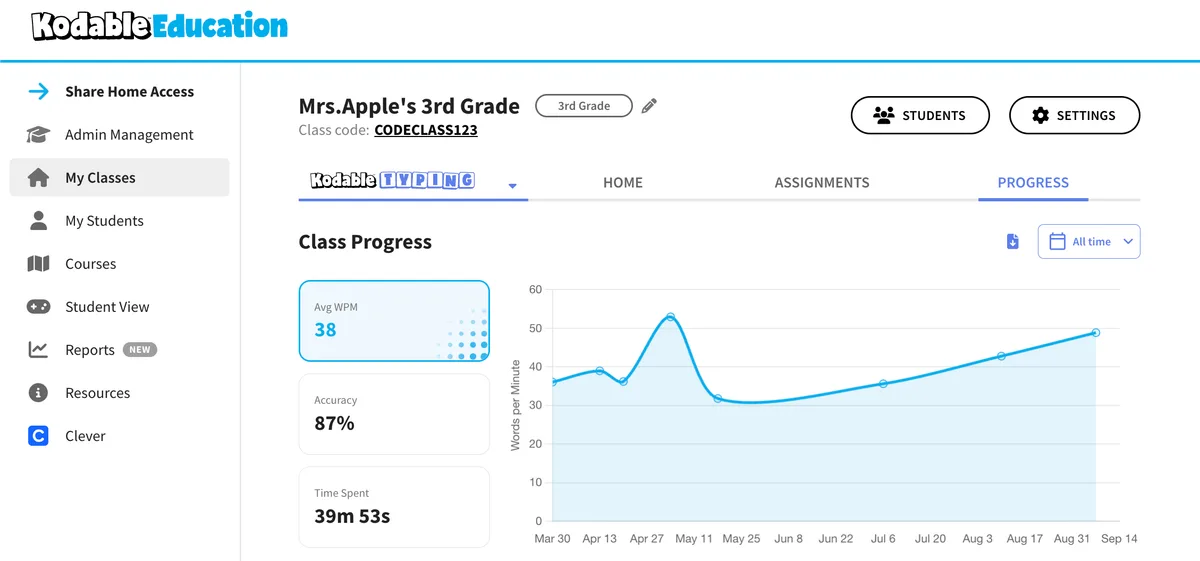
Select the Progress tab for a class overview, or click on an individual student for a closer look as the week goes on.
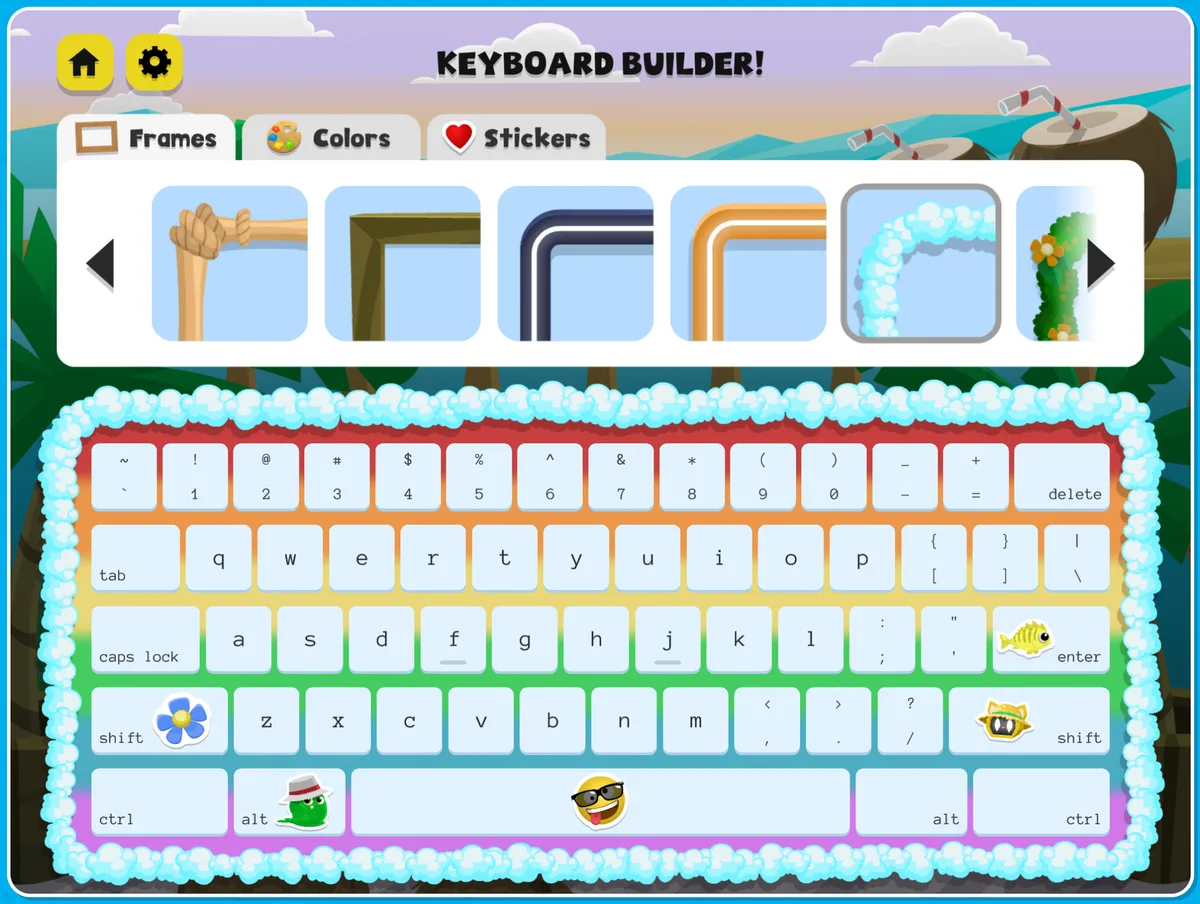
Give students a few minutes to pick frames, colors, and stickers by clicking Edit Keyboard in the top right corner before their first lesson.
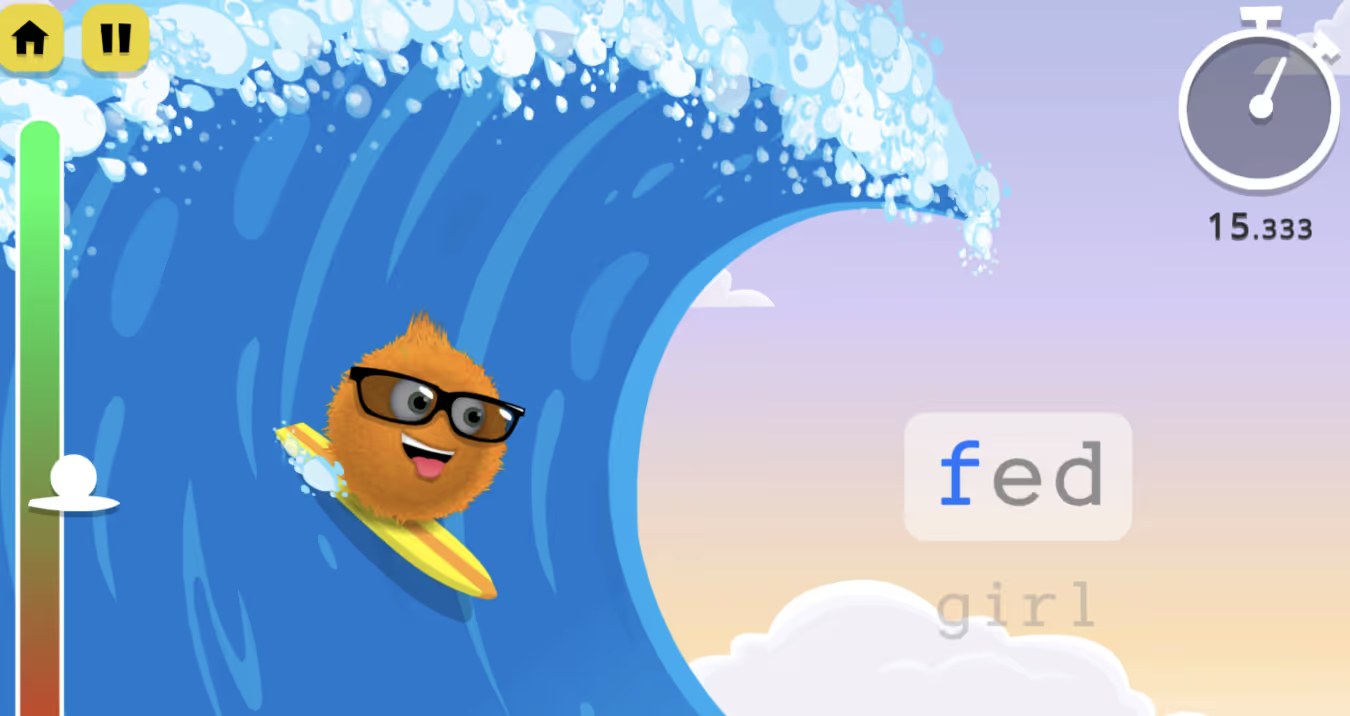
Students can choose Practice to play one of the endless typing games and keep building the skills from their lessons.
See the practice games →Four arcade-style games at the lagoon, all powered by what students just learned. Every one is unlocked during Free Typing Week.
Catch the longest wave by honing typing accuracy and speed in a totally tubular surfing game.
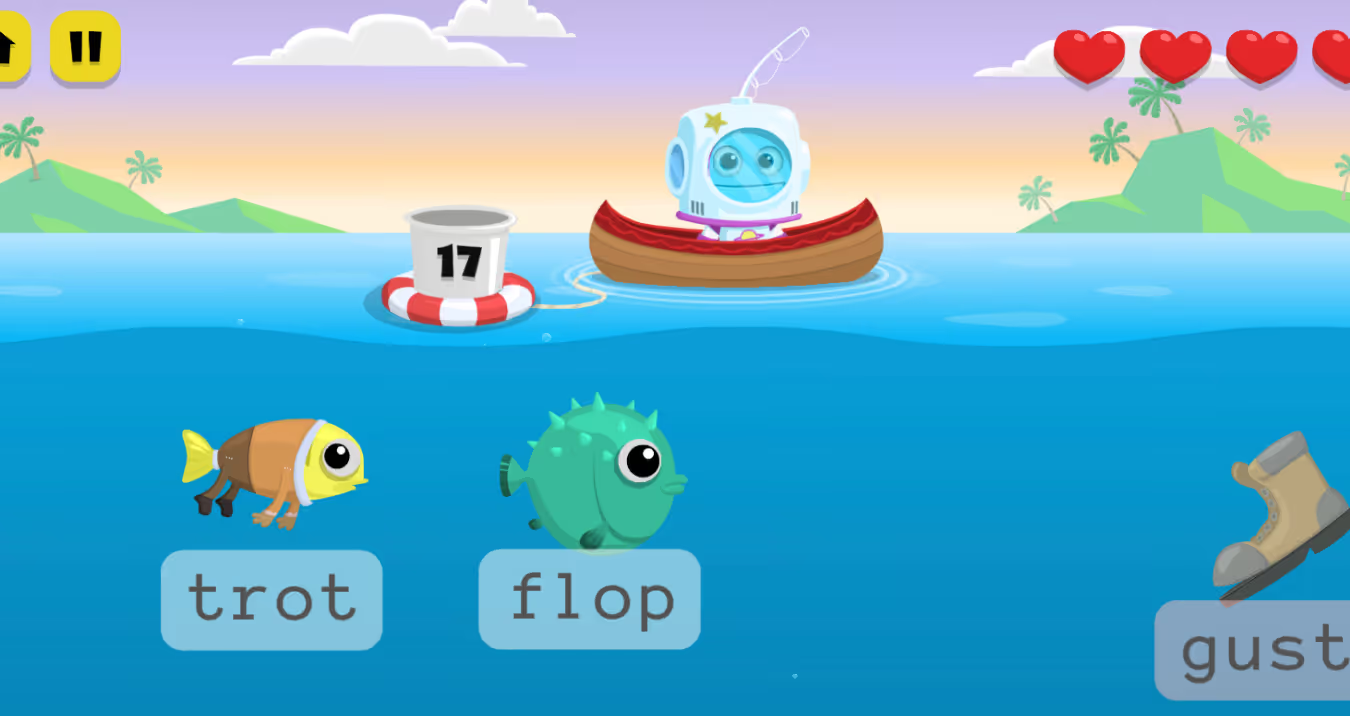
Type whole words to help Kevin reel in dinner. Just don't hook the trash!
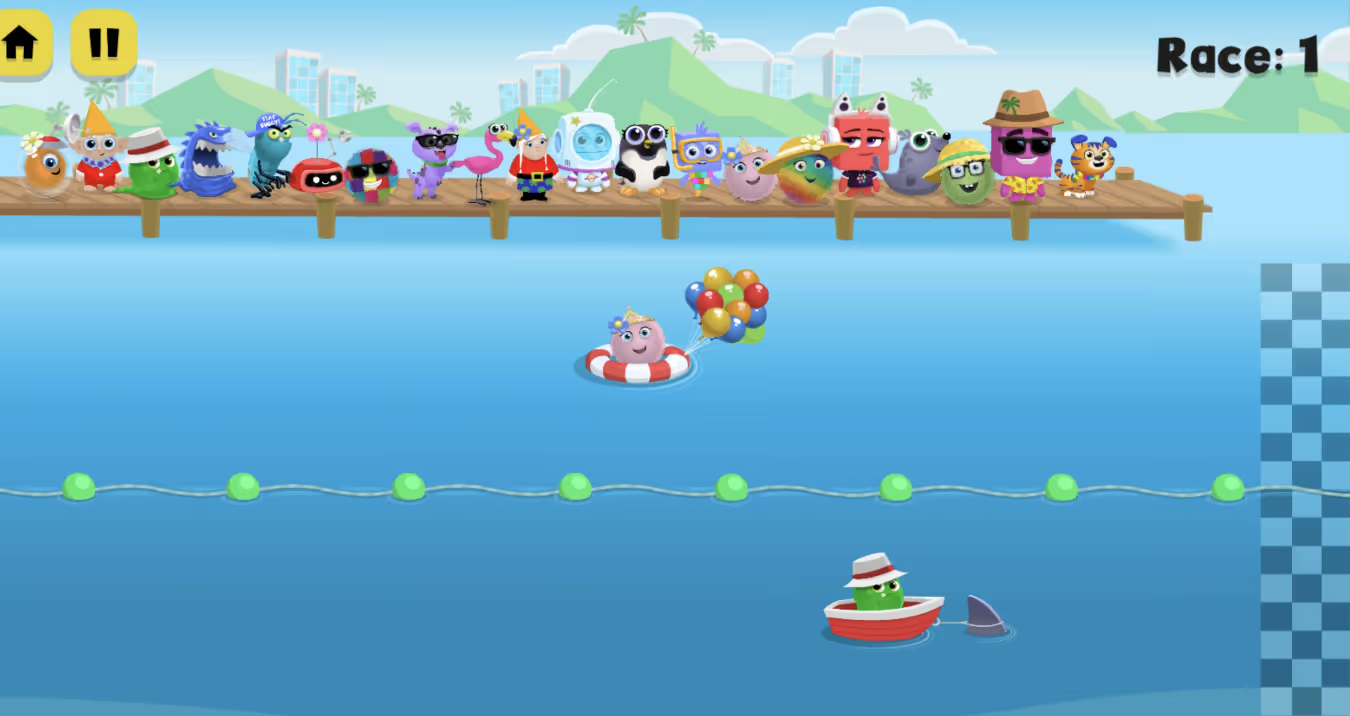
Pick your character, grab a flotation device, and race through progressively harder typing challenges.
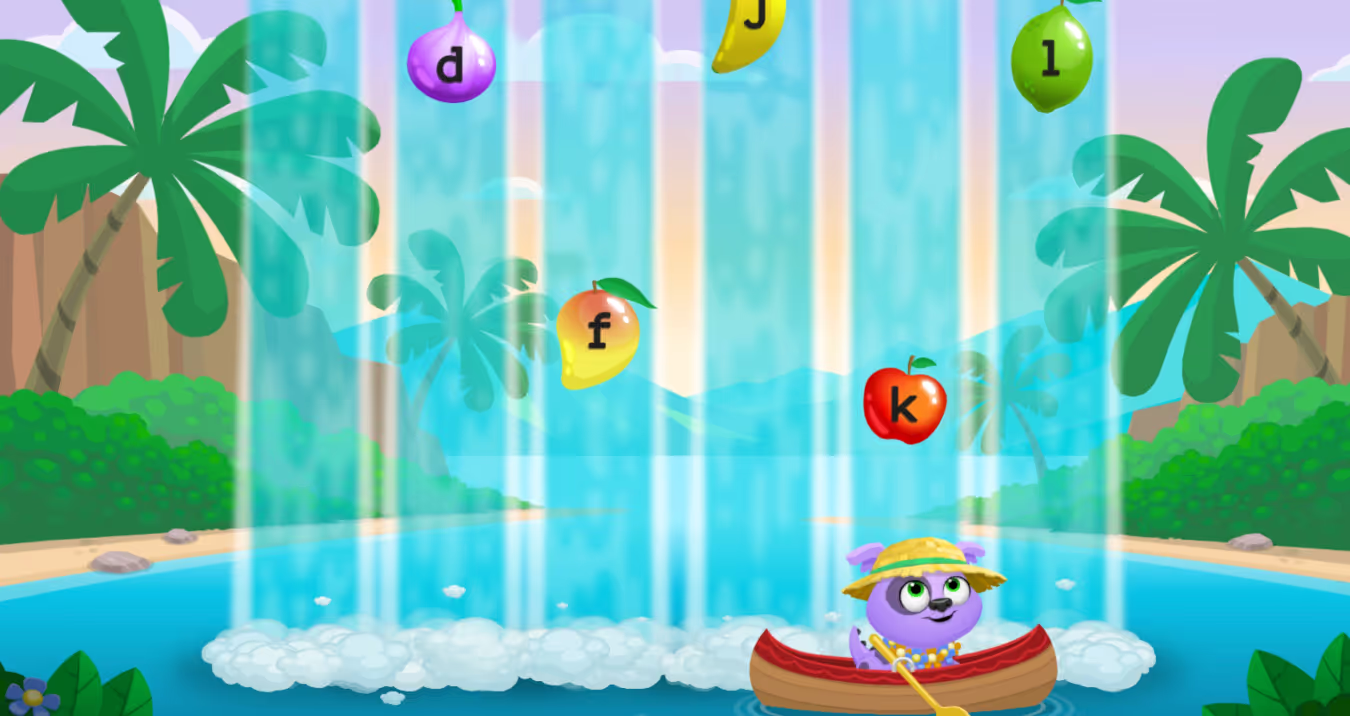
Row through cascading waterfalls and collect falling fruit by typing home row keys — building muscle memory one keystroke at a time.
Click on the resources below to help you get started: a getting-started guide for every grade level, a student-facing presentation, and more.


A ready-to-present slide deck that introduces Free Typing Week and Kodable Typing to your class.
Coming soon →A short walkthrough for teachers: log in, set your grade level, add students, and launch the first lesson.
Coming soon →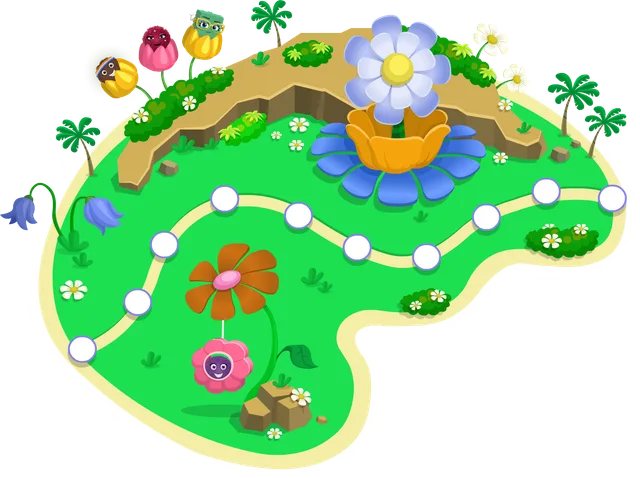
Printable certificates to celebrate every student who completes Free Typing Week.
Coming soon →The familiar Kodable characters make learning the keyboard genuinely fun. As one of my students put it: 'It's a fun way to learn where the keys are — it's epic!'
My students could choose from three typing programs we've used this year — almost all picked Kodable. That tells you everything.
Kodable Typing has been vitally important as our 3rd and 4th graders prep for state exams. They're eager to use the home row and already more confident at the keyboard.
No. Outside of Free Typing Week, Kodable Typing requires a 7-day trial that teachers apply for. During the event, every teacher account has full access automatically — nothing to request or approve.
Any K–5 teacher with a free Kodable account. If you already use Kodable with your class, just log in. If you are new, create a free teacher account and add your students.
Kodable Typing runs in any modern web browser on Chromebooks, laptops, and desktops. It also works on iPads with an attached keyboard. Students need a physical keyboard to practice.
No lesson planning required. Kodable Typing automatically assigns the right islands based on your class grade level, and every lesson is self-guided. Just make sure each class has the correct grade level set before you start.
Student progress from the week is saved to your dashboard. Kodable Typing is included with Premium+ and All Access plans, or through the standard 7-day trial. See plans and pricing for details, or email us at support@kodable.com.
September 28 – October 4, 2026Free Typing Week only comes around once a year. Sign up or log in now so your students are ready on day one.
Still have questions? Reach out to us at support@kodable.com


