
A free Thanksgiving STEM challenge for every class
The leaves are falling, the pies are cooling, and the turkeys are getting a little wobbly. Gobble Wobble is back! From November 9 to 27, 2026, the engineering courses in Kodable Creator are turkified, and your students are the engineers in charge. It’s free for every classroom.
Already use Kodable? Just log in. Gobble Wobble is waiting in Kodable Creator, no assignment needed.
Pick your path and join the fun
Whether you’re brand new to Kodable or already use it with your students, your class can be toppling turkeys in a few minutes.
Start with a free teacher account
Create your account, set up a class, and add your students. Once they have a class code, they’re ready to get their first turkeys rolling.
Log in and open Kodable Creator
Your existing classes and rosters are ready to go. Students log in, click Kodable Creator, and the turkeys are waiting for them.
From login to rolling turkeys in minutes
Three quick steps and your students are building. There’s nothing to assign and no lesson to plan.

Sign up or log in
New to Kodable? Create a free teacher account, set up a class, and add your students. Already have one? You’re ready to go.

Students open Kodable Creator
On an iPad, Chromebook, or computer, students go to game.kodable.com, enter their class code, and click Kodable Creator.

Find Bruno in his turkey hat
Students open the Gobble Wobble pop-up, the orange Events tab, or the Engineering Building, then click a course to start.
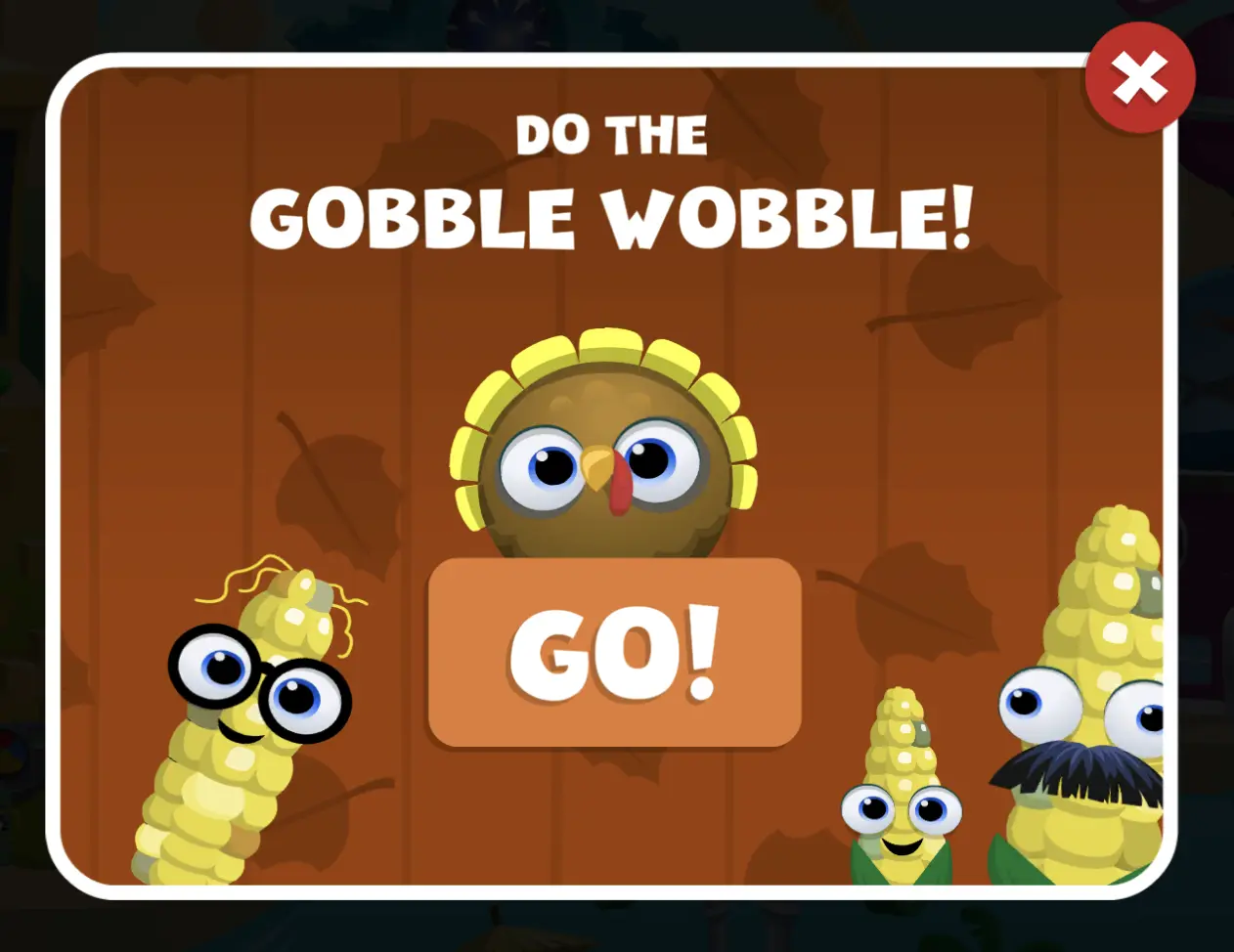
Look for the Gobble Wobble pop-up
Clicking GO! takes students straight to the turkeys. If they close the pop-up, they can get back anytime from the orange Events tab or the Engineering Building in Kodable Creator.
Get the turkey to the goal
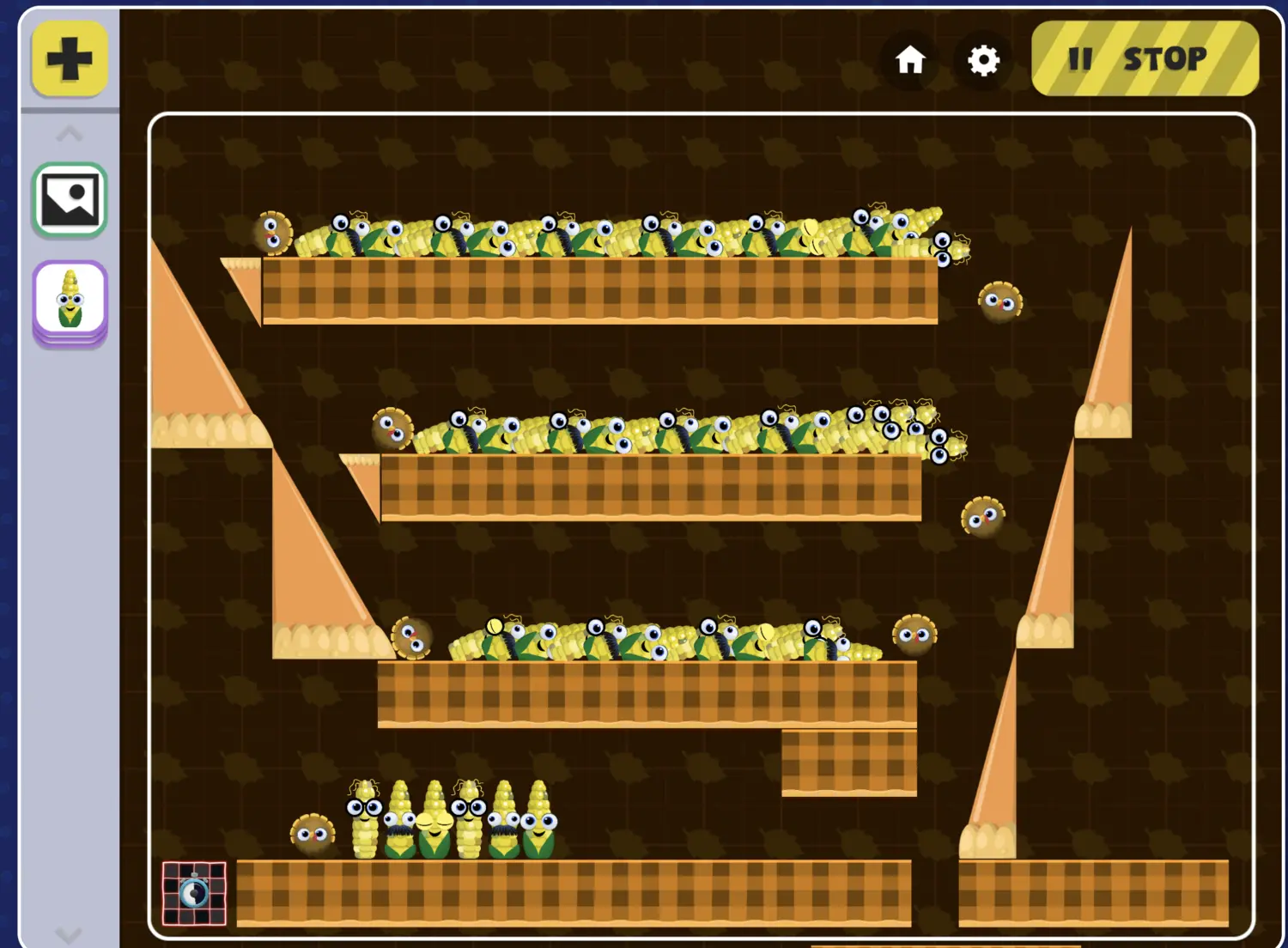
Students roll their marble (aka their turkey) around items like slices of pie and into the goal. Each challenge is a new puzzle to solve, with plenty of room to experiment.
Fair warning: it can get pretty funny. When the challenges are done, students can keep customizing, creating, and experimenting with the Gobble Wobble characters.
What your class will learn
Under all the feathers, students are exploring properties and working through the engineering design process.
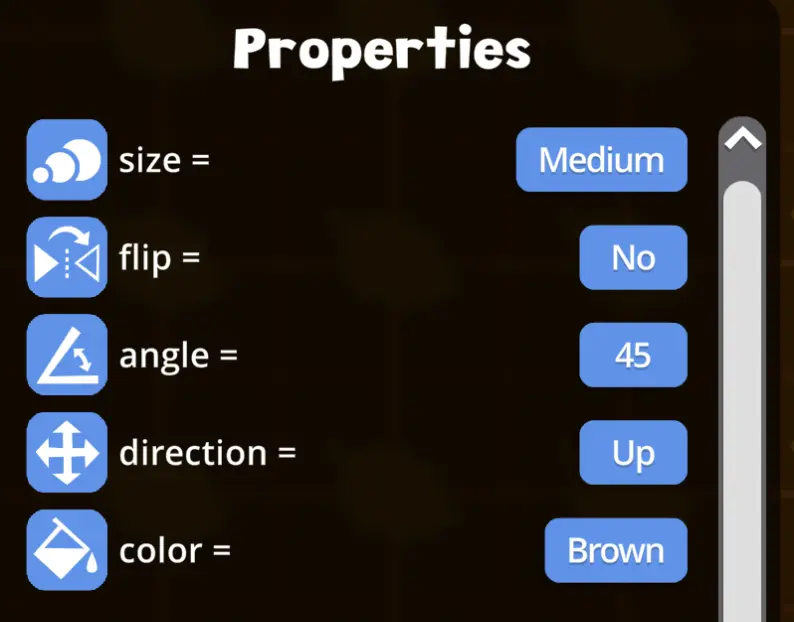
Exploring properties
A property is a characteristic of an object, like its size, color, or direction. In Gobble Wobble, students see those changes in action. A small adjustment might be just what their turkey needs to reach the goal!
As they build, encourage them to wonder:
- What happens if I make this object bigger?
- Will changing its direction help my turkey reach the goal?
- Which properties could I change to make my design work?
Thinking like engineers
There’s rarely just one way to solve an engineering challenge. A turkey that misses the goal gives students something to investigate, and each attempt is a chance to make an adjustment and practice a little perseverance.
- PlanRead the mission and think of a possible solution.
- BuildAdd items and adjust their properties.
- TestLet the turkey roll and see what happens!
- ImproveMake a change and try again.
Free for every classroom
The courses your students can explore during the turkey takeover depend on your plan.
Free Plan
Two courses availableStudents can play the Introduction course and the Dominoes course. It’s a great way to get those first turkeys rolling.
Create my free account →Paid School Plans
All courses availableStudents can play any of the engineering challenges in Kodable Creator, so there’s always a new puzzle to solve.
See school plans →A few extra resources for the event
A certificate to send home, a drawing lesson with Kodable’s art director, and a turkey hunt for your classroom.
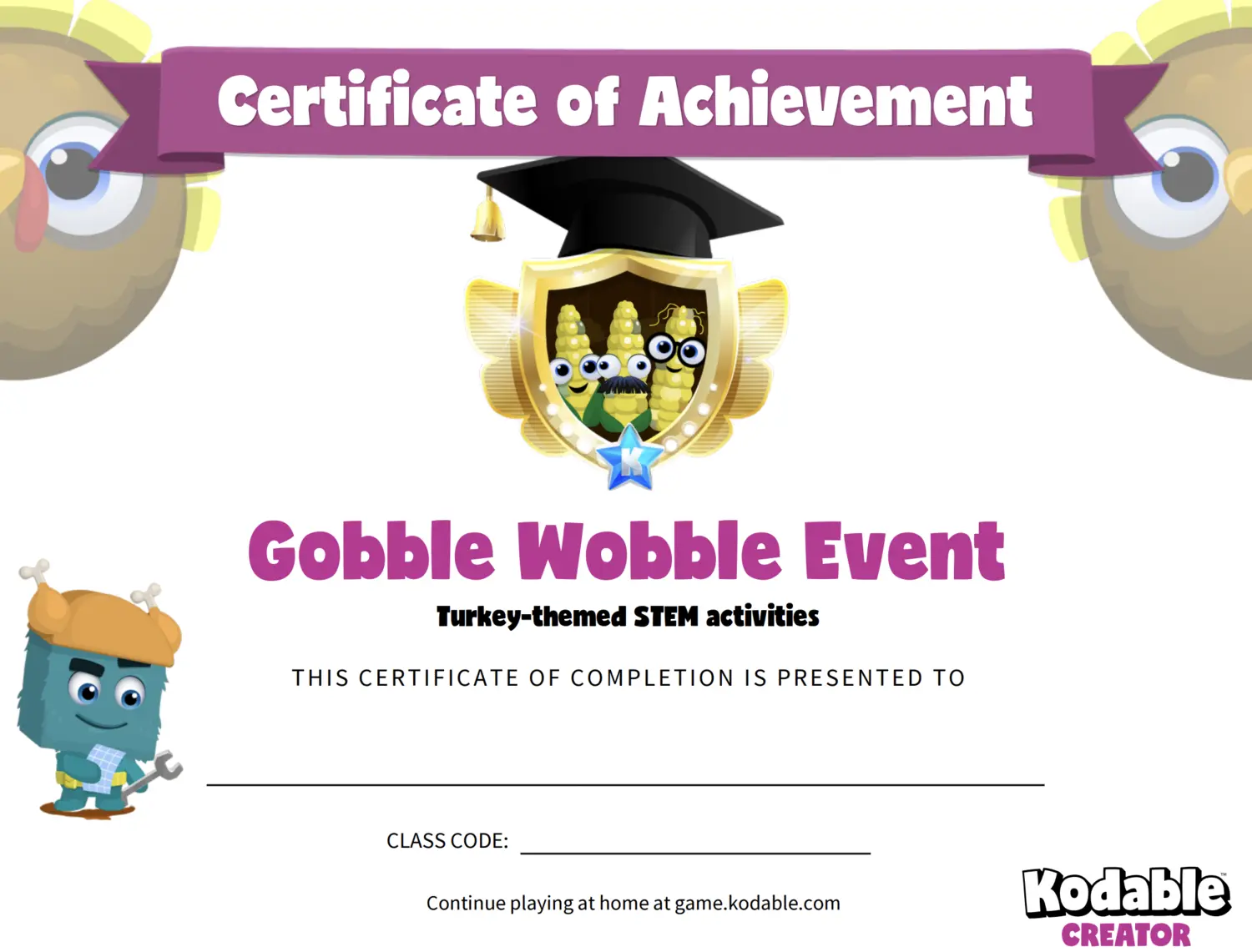
Student certificate
Celebrate your students’ participation with a printable certificate. Add their name and your class code so they can keep playing at home.
Print the certificate →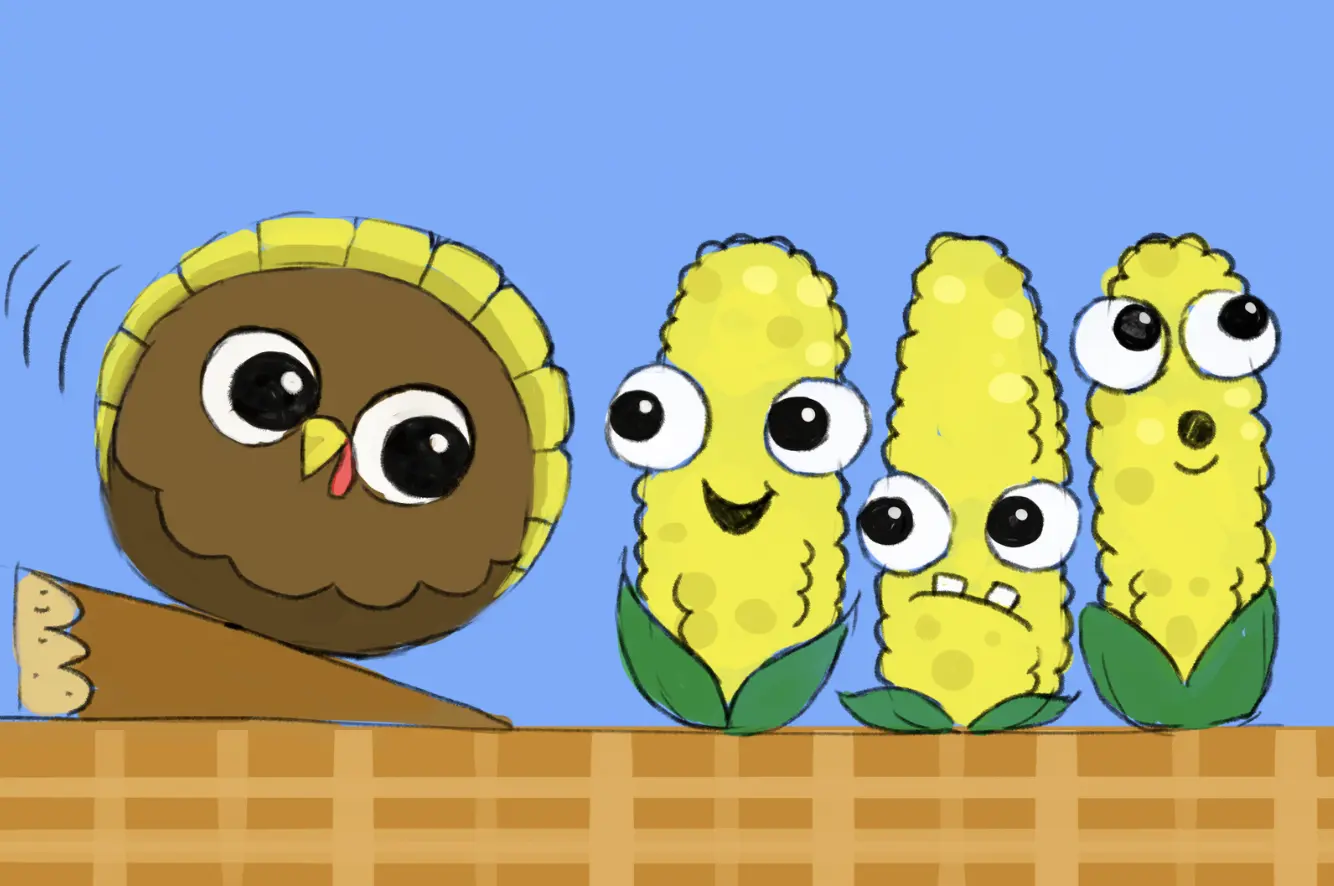
Directed drawing recording
Follow along with our art director, Greg, to draw the characters from the event, one step at a time.
Watch the recording →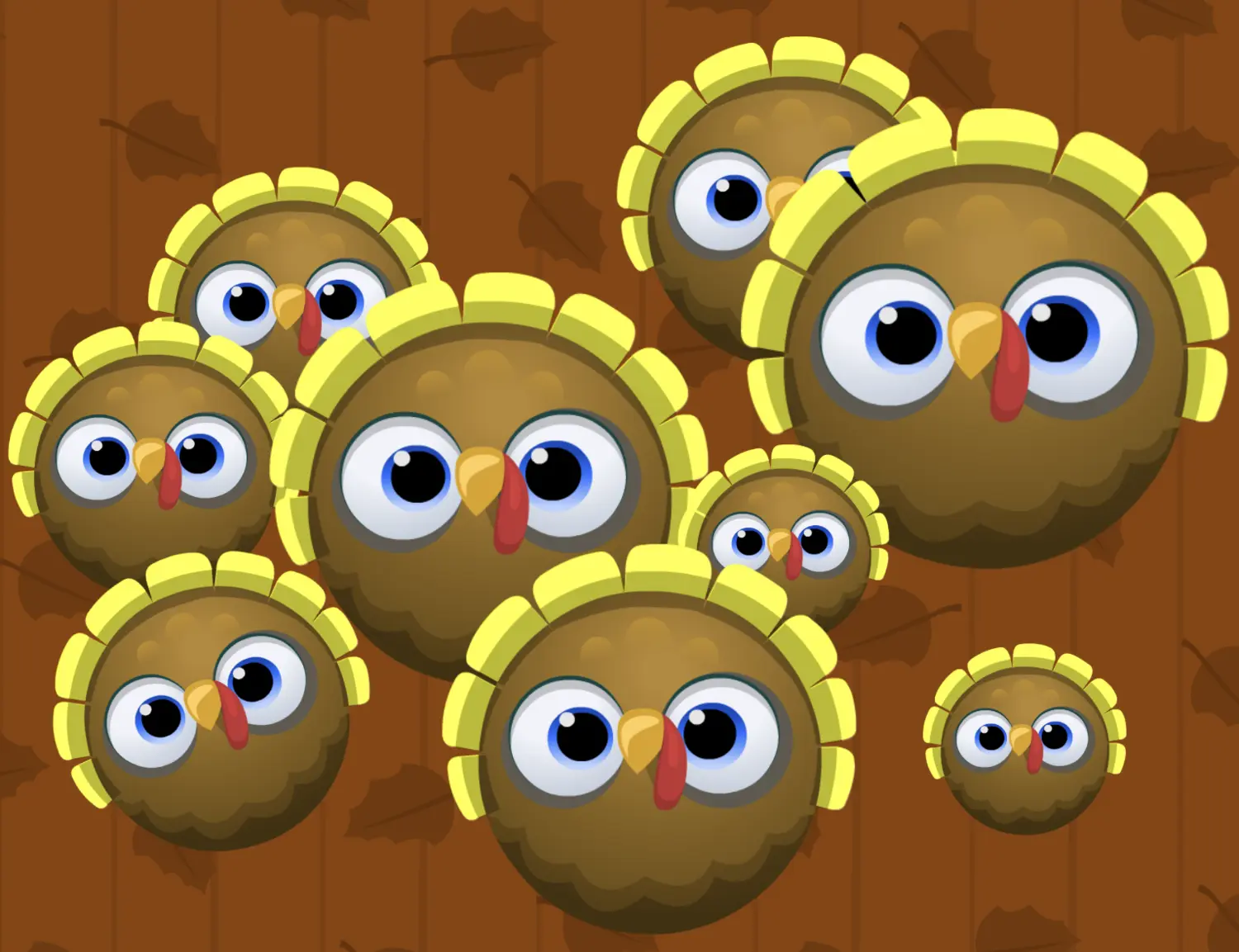
Hidden turkey game
Hide these printable Gobble Wobble turkeys around your room for your class to find all week long!
Print the turkeys →Get a virtual Kodable visit by sharing creations
The Kodable team can’t wait to see what your students create, and all the different ways they tackle the same challenge!
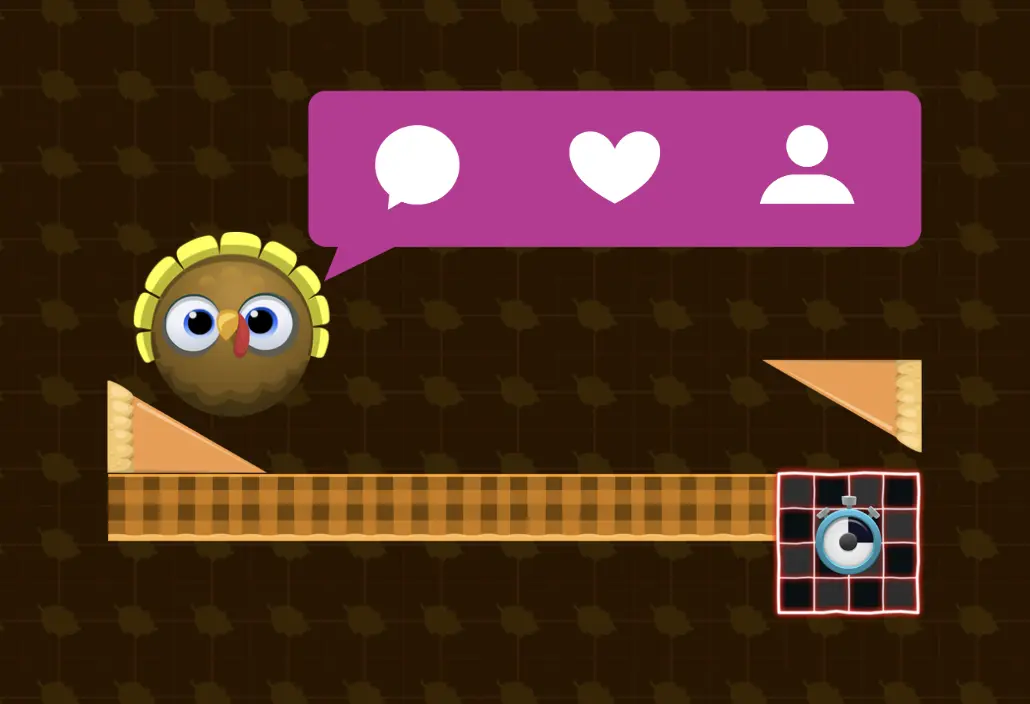
Your class could meet the Kodable Team
Send videos of your students’ machines to support@kodable.com, or post them on social media and tag @kodable, for a chance for your class to meet the founder and creator of Kodable!
Take the turkey toppling a little further
A few simple ways to deepen the learning while your students play through the activities.
Talk it through
As students test, ask: “What happened? What could you change? What will you try next?”
Swap and play
Give students time to try each other’s games and share what they enjoyed or found tricky.
Build from scratch
Have your class head to the Create building to use Thanksgiving items to build their own games.
Gobble Wobble questions
Is Gobble Wobble really free?
Yes! Everyone can join. On free plans, students can play two courses: the Introduction course and the Dominoes course. On paid school plans, students can play any of the engineering challenges.
Who can participate?
Any teacher with a Kodable account and their students. New to Kodable? Create a free teacher account, set up a class, and add your students.
What devices does it work on?
Gobble Wobble plays on the web at game.kodable.com on an iPad, computer, or Chromebook.
Do I need to assign anything?
Nope! Once you’ve created a class and added your students, you’re ready to go. Students find Gobble Wobble in Kodable Creator through the pop-up, the orange Events tab, or the Engineering Building.
What will my students learn?
Students explore properties, like an object’s size, color, or direction, and practice the engineering design process: plan, build, test, and improve.
Can students keep building after the challenges?
Yes. Thanksgiving items are also available in the Create building in Creator, so students can design their own machine from a blank slate.
How long does the event run?
November 9 through November 27, 2026. Still have questions? Email us at support@kodable.com.
Do the Gobble Wobble!
Gobble Wobble ends November 27, 2026, so don’t let this one waddle away! Sign up or log in now so your students can get their turkeys rolling today.
Still have questions? Reach out to us at support@kodable.com